Customised IP Intercom Solutions in Kenya: How Boardtac Solutions Designed a Three-Room Patient Communication System for a Hospital.
Choosing an intercom system for a hospital, office, apartment building, or specialised facility is not simply a matter of visiting a shop and purchasing a device. The right solution must address the actual communication requirements, the environment in which the equipment will be used, and the way people need to interact with the system.
When Standard Products Do Not Meet the Customer’s Requirements.
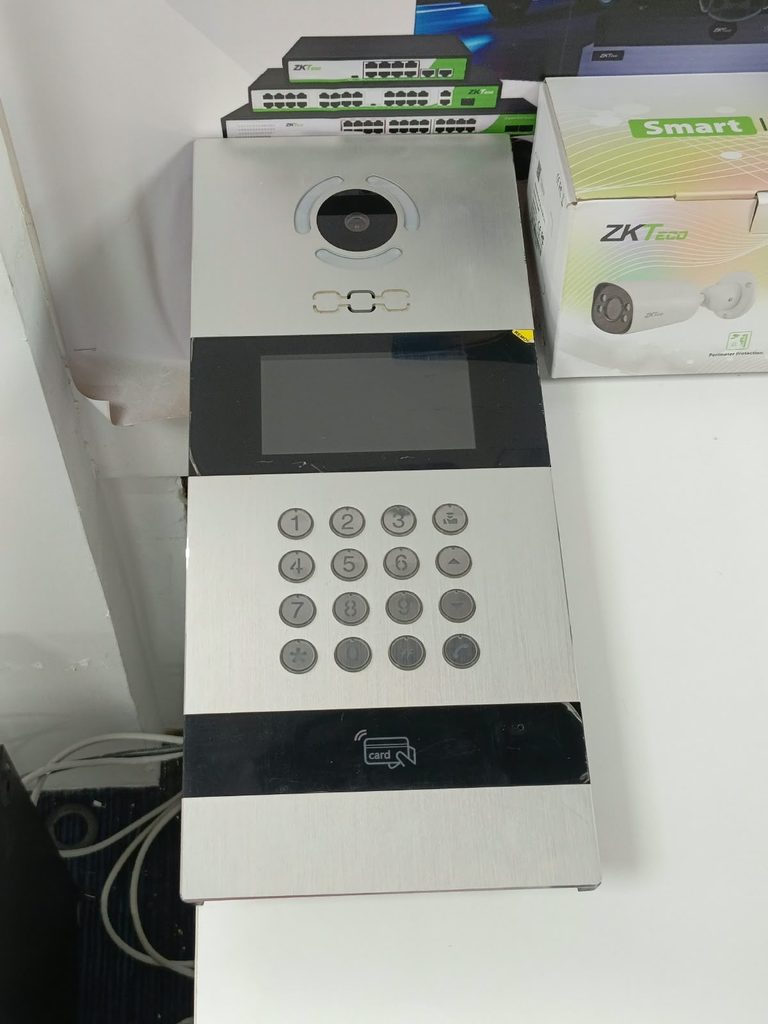
Recently, Boardtac Solutions was contacted by the IT team of a major hospital in Kenya to develop a customised IP intercom solution for a specific patient communication requirement. The team had explored options from suppliers and retail outlets around Nairobi but had not found a satisfactory solution. Although various intercom products were available, identifying a combination of devices and configuring them to meet the hospital’s exact requirements proved challenging.
The hospital was not simply looking for three intercom screens. It needed a communication system that would connect three rooms, allow two-way audio and video communication, and automatically answer incoming calls in the patient’s room without requiring the patient to operate the monitor manually.
This requirement called for more than product availability. It required technical understanding, system design, device compatibility assessment, and configuration planning.
At Boardtac Solutions, we approached the request as a technical integration project rather than a straightforward equipment sale. This article explains the customer’s requirements, the proposed solution, how the technology works, and why customised system design is important when choosing an IP intercom installer in Kenya.
Understanding the Hospital’s Communication Requirements.
The hospital required an intercom arrangement connecting three separate rooms. Each room needed its own indoor monitor, allowing communication between occupants without relying on ordinary telephone calls or requiring someone to physically move between rooms.
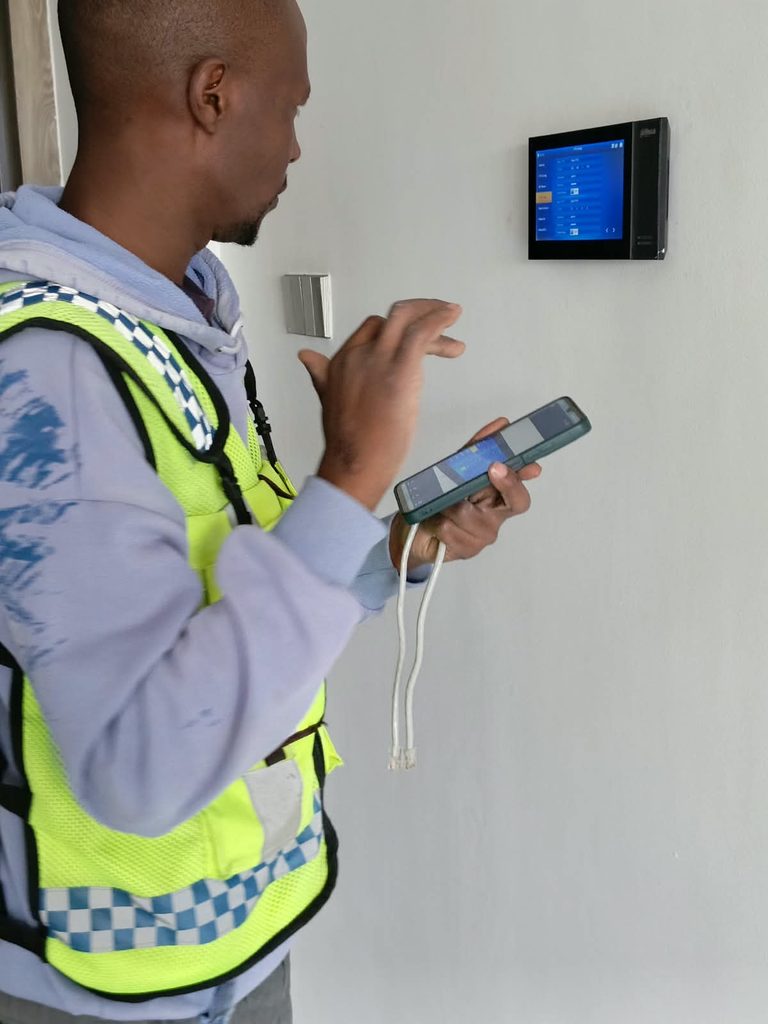
However, one room had a special requirement. The patient needed to receive incoming calls automatically because manually answering calls on a screen might not always be convenient or practical.
The proposed system therefore needed to achieve four main objectives.
1. Communication Between Three Rooms. Each room needed an indoor monitor capable of initiating and receiving calls to and from the other two rooms. The system needed to support convenient room-to-room communication over the local network.
2. Automatic Call Answering in the Patient’s Room. The patient’s monitor needed to answer incoming calls automatically after a configurable delay, subject to the appropriate device settings and approved caller permissions.
3. Two-Way Audio and Video. The hospital wanted occupants to communicate through the indoor monitors using audio and video, where supported by the selected devices and call configuration.
4. A Simple, Integrated System. The solution needed to avoid unnecessary equipment. Rather than installing an outdoor station or a separate standalone PBX, the design would use a compatible Akuvox indoor monitor with a built-in SIP server to manage communication between the three rooms.
These requirements demonstrate an important principle in IT infrastructure projects. The best solution is not necessarily the product with the longest specification sheet. It is the combination of hardware, software, network configuration, and system functionality that meets the customer’s actual needs.
Why a Standard Intercom Purchase Was Not Enough.
Many intercom products available in Kenya are designed for familiar applications, such as apartment entrance communication, visitor management, gate access, and communication between an outdoor station and an indoor monitor.
These are useful applications, but a specialised requirement involving automatic answering, internal SIP registration, and communication between several rooms requires a different approach.
A salesperson may be familiar with a product’s screen size, price, camera resolution, and advertised features. However, designing a working solution requires additional questions.
Does the device support a built-in SIP server, or does it require an external server? Can other indoor monitors register directly with it? Does the firmware support automatic answering of calls from approved indoor devices? Can the automatic answering delay and audio or video mode be configured? Will the selected monitors communicate correctly with one another?
These questions matter because two devices can both support SIP communication without necessarily supporting every feature required for a particular installation.
For the hospital, the objective was not to purchase several compatible-looking screens and hope they would work together. It was to establish a clear technical design before committing to the installation.
This is where Boardtac Solutions brings value as an IT and security systems integrator. We assess the requirement, identify the necessary functions, evaluate the appropriate equipment, and develop a configuration plan around the intended outcome.
The Proposed Akuvox IP Intercom Solution.
Following an assessment of the requirements, Boardtac Solutions proposed a customised three-room communication arrangement based on Akuvox indoor intercom technology.
The proposed system consists of three indoor monitors connected through the facility’s local network.
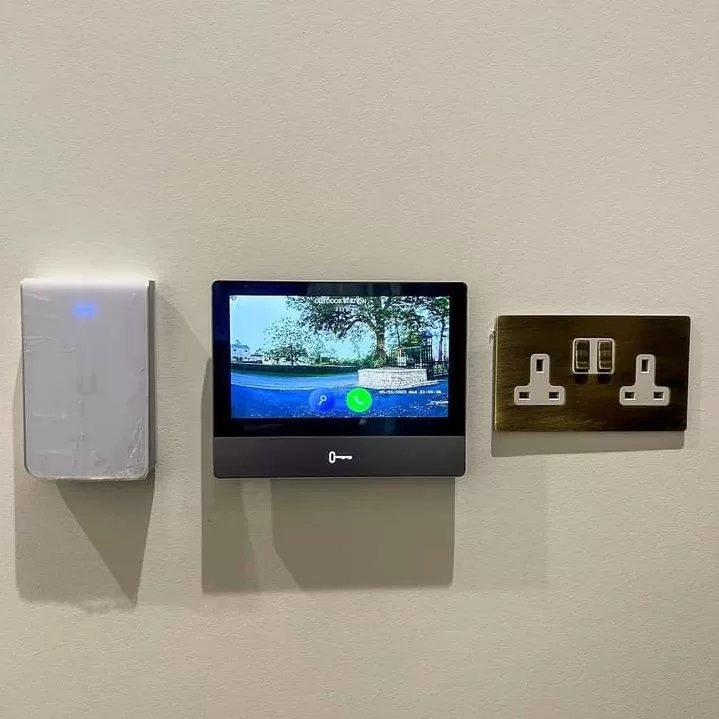
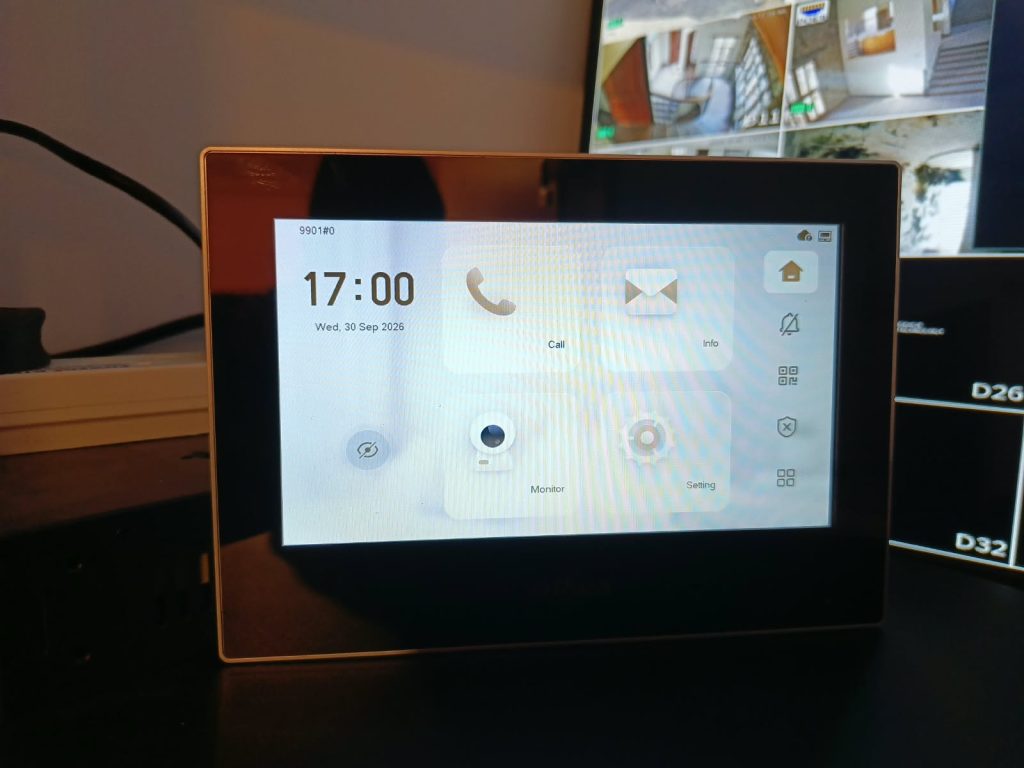
The patient’s room will use a suitable Akuvox Android indoor monitor with a built-in SIP server and an auto-answer function. The other two rooms will each use an Akuvox 7-inch indoor monitor configured to communicate with the patient’s monitor through the local SIP service.
The exact device models, firmware compatibility, and supported functions must be confirmed before final commissioning. This is particularly important when automatic answering and built-in SIP server functionality are central to the design.
The key advantage of the proposed architecture is that it uses the patient’s indoor monitor to provide the local SIP service, potentially eliminating the need for a separate PBX and an outdoor station for this particular application.
How the Three-Room System Will Work.
The system will operate as follows.
The patient’s room. The main indoor monitor will provide the patient with a communication screen and host the built-in SIP server, subject to confirmation of the selected model’s capabilities. It will be configured to receive calls from the other two rooms and automatically answer authorised incoming calls when the feature is enabled.
Room Two. An Akuvox 7-inch indoor monitor will be installed and configured with the required SIP account or extension. The occupant will be able to call the patient’s room or initiate a call to Room Three.
Room Three. A second Akuvox 7-inch indoor monitor will be configured in the same way. It will be able to communicate with the patient’s room and Room Two.
All three monitors will communicate over the local network. Once correctly configured, the occupants will be able to initiate calls from their screens without needing a separate outdoor intercom station.
The intended arrangement is straightforward for the end user, but it depends on correct device registration, network connectivity, SIP configuration, and testing.
Understanding the Built-In SIP Server.
SIP stands for Session Initiation Protocol. It is a communication protocol used to establish, manage, and terminate voice and video sessions over IP networks.
In an IP intercom installation, SIP allows devices to identify one another and establish calls using configured accounts, extensions, or addresses.
For example, the patient’s monitor might be assigned a dedicated extension, while the two other monitors receive their own extensions. When an occupant selects the patient’s room on their screen, the calling monitor sends a request through the configured SIP service to establish the call.
If the receiving device supports the requested call mode and the necessary settings are correct, the monitors can establish an audio or video session.
A built-in SIP server can simplify a small installation because it may provide the required local call-management functionality without an additional standalone PBX. However, the capabilities of an embedded SIP service vary by device. Its supported registrations, simultaneous calls, call-routing options, and interoperability must be checked against the project requirements.
For a hospital, office, or other professional environment, this assessment should take place before equipment is purchased.
How Automatic Answering Works on the Patient’s Monitor.
Automatic answering is one of the most important features in this customised solution.
On supported Akuvox indoor monitors, auto-answer settings can be configured through the device’s web interface. The available options may include the delay before a call is answered, the preferred answer mode, and permissions controlling which devices can trigger automatic answering.
The proposed configuration will focus on the following settings.
Auto-answer delay. This determines how long the device rings before automatically answering an incoming call. For example, a five-second delay can be configured if supported by the selected model and firmware.
Answer mode. The device can be configured for the appropriate audio or video answering behaviour, depending on the supported options and the customer’s privacy requirements.
Indoor auto-answer. Where supported, this option allows the monitor to answer calls from other authorised indoor monitors automatically.
Auto-answer allowlist. Approved SIP or IP numbers can be added so that automatic answering is restricted to designated devices. This is important because automatic answering should not be treated as an unrestricted feature.
Enable or disable control. The auto-answer feature can be enabled or disabled according to the agreed operational requirements. When disabled, incoming calls should follow the monitor’s normal call-handling behaviour.
These settings allow the system to be adapted to the patient’s needs instead of forcing the patient to interact with the screen every time a call arrives.
Why Automatic Answering Requires Careful Configuration.
Automatic answering is not simply a matter of activating a single setting. The device must recognise the calling endpoint, the relevant SIP account must be registered correctly, and the caller must satisfy any configured permissions.
The answer mode must also be tested. An audio call with a one-way video stream is not the same as a two-way video call. If the hospital requires both parties to see and hear one another, the selected devices and settings must support that behaviour.
Privacy is equally important. Automatically answering calls from approved monitors helps limit unintended connections, but the hospital should also establish appropriate procedures for enabling the feature, managing access, and controlling when the patient can be contacted.
A properly configured system balances convenience with privacy and predictable operation.
Why the Solution Uses Three Indoor Monitors Instead of an Outdoor Station.
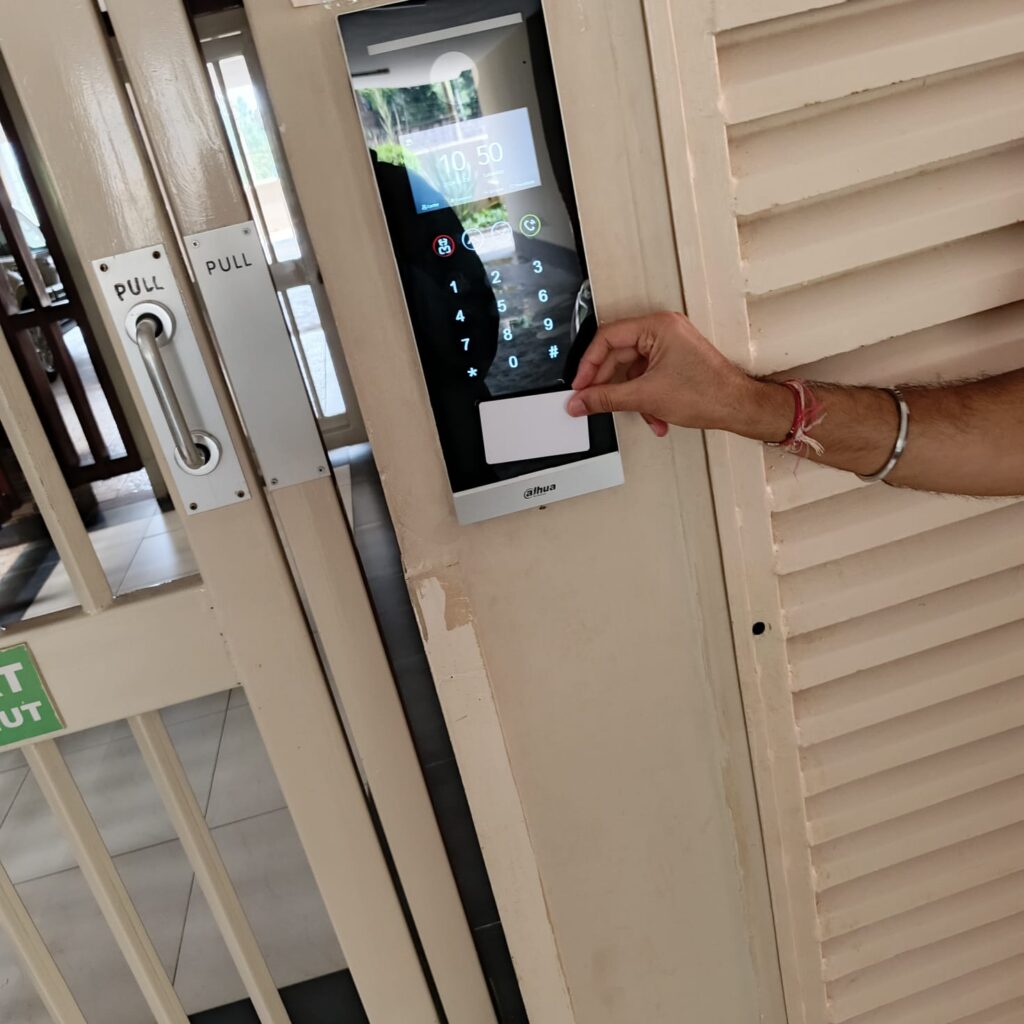
Many traditional intercom installations use an outdoor station to allow visitors to call an indoor monitor. That arrangement is appropriate for gates, apartment entrances, reception areas, and building access points.
The hospital’s requirement was different. The intended communication was between three internal rooms rather than between an external visitor and a room occupant.
An outdoor station would therefore introduce equipment that is not necessary for the stated use case, provided that the selected indoor monitors can communicate directly through the local SIP service.
By using three indoor monitors, the design focuses on the required communication endpoints. The main monitor provides the proposed SIP service, while the two additional monitors register with it and use their extensions to call the other rooms.
This illustrates why system design should begin with the customer’s communication workflow rather than automatically applying a standard intercom package to every project.
The Importance of Network Design and Device Compatibility.
Although the user interacts with the screens, the network is an essential part of the solution.
Each monitor must have reliable connectivity to the local network. The SIP service must be reachable, the devices must be configured with the correct network and account details, and any relevant firewall or network isolation settings must permit the required traffic.
Boardtac Solutions’ installation and commissioning process will therefore include the following activities.
Network connectivity checks. Confirming that all three monitors can communicate over the selected LAN infrastructure.
SIP account configuration. Creating or configuring the required accounts and extensions, then registering the two additional monitors with the main device.
Call routing. Configuring the monitors so the intended room-to-room calls can be initiated and received.
Auto-answer configuration. Setting the patient’s monitor to answer calls from authorised devices after the agreed delay.
Audio and video testing. Verifying microphone, speaker, display, and video operation under the selected call settings.
Operational handover. Demonstrating the system to the customer’s IT personnel and explaining the relevant configuration options.
Where the equipment supports local operation, calls can be designed to work across the local network without relying on an external cloud service for basic room-to-room communication. This must still be confirmed for the selected device models and intended features.
Why Customised IT Solutions Matter in Hospitals.
Hospitals have different operational requirements from ordinary residential or commercial installations. Their communication systems may need to accommodate patients, clinical staff, administrative personnel, and other authorised users.
A solution that works in an apartment building may not be appropriate for a patient room. Similarly, a device advertised as an intercom monitor may not support the automatic answering, SIP registration, or privacy behaviour required for a specialised installation.
Customisation allows the design to reflect the actual workflow. It also helps avoid purchasing unnecessary hardware, selecting incompatible equipment, or discovering missing features after installation.
For the three-room system, the most important consideration was identifying a device that could combine the required indoor monitor functionality, built-in SIP service, and automatic answering capability. The other two monitors could then be configured as communication endpoints, subject to compatibility verification.
This is the difference between selling equipment and engineering a solution.
It is also important to clarify that an IP intercom is not automatically a certified nurse-call system or a medical emergency alarm. Where a hospital requires emergency alerts, clinical response workflows, patient monitoring, or integration with nurse-call infrastructure, those requirements must be assessed separately and the appropriate certified solution specified.
Boardtac Solutions: Customised IT and Security Systems in Kenya.
Boardtac Solutions provides IT infrastructure, networking, access control, biometric systems, CCTV surveillance, video intercoms, time attendance, IP telephony, video conferencing, and related technical integration services in Kenya.
Our approach is based on understanding what the customer needs to achieve before recommending equipment.
For customised projects, this may involve assessing existing infrastructure, reviewing manufacturer specifications, identifying the correct devices, designing the system architecture, planning the configuration, and testing the finished installation.
We recognise that customers do not always need a standard off-the-shelf package. Some projects require specific functionality, integration between devices, or a combination of features that must be verified before implementation.
In such cases, our role is to translate the customer’s operational requirement into a practical, supportable technical solution.
The hospital’s three-room Akuvox project demonstrates the value of this approach. Instead of treating the request as a routine sale of three screens, the proposed design considers the SIP server, device registration, automatic answering, caller permissions, audio/video operation, and network connectivity as parts of one system.
The final configuration must be verified against the exact device models and firmware before deployment. This technical validation is essential to delivering a solution that meets the agreed requirements.
Frequently Asked Questions About Customised IP Intercom Systems in Kenya.
Can three Akuvox indoor monitors communicate without an outdoor station?
Yes, this may be possible when the selected indoor monitors support the required SIP communication and are configured correctly. In the proposed hospital design, one compatible monitor provides the local SIP service, while the other two monitors register as endpoints. An outdoor station is unnecessary for this internal communication use case if all required functions are supported.
Can an Akuvox indoor monitor answer calls automatically?
Selected Akuvox indoor monitors support configurable auto-answer features. Depending on the model and firmware, settings may include the answer delay, audio or video mode, indoor auto-answer, and an allowlist of authorised callers. The exact model must be checked before confirming that it supports the intended configuration.
Can automatic answering be enabled or disabled?
On supported devices, automatic answering can be configured through the relevant device settings. The final installation should include a test confirming that the feature behaves as intended when enabled and disabled.
Does a built-in SIP server remove the need for a separate PBX?
For a small system, a built-in SIP server may provide the local call-management functions needed for communication between a limited number of devices. However, its registration capacity and features vary by model. Larger installations or more advanced requirements may need a dedicated PBX or another supported call-management platform.
Can the patient communicate with two other rooms using video?
The proposed design is intended to support room-to-room audio and video communication. Successful two-way video calls depend on the capabilities of the selected monitors, the negotiated call mode, network connectivity, and the correct configuration of the devices.
Is a local network required?
Yes. The three monitors need a suitable network connection to communicate through the local SIP service. The installation must account for network addressing, connectivity, and any relevant security policies.
Can Boardtac Solutions design a customised intercom system for a hospital, office, or residential building?
Boardtac Solutions can assess the communication requirements, review compatible equipment, and propose a solution based on the intended use. The design, equipment selection, and integration approach depend on the project scope and the features supported by the selected devices.
Conclusion: Choose a Solution Designed Around Your Requirements.
The hospital’s request highlights an important consideration when sourcing technical equipment in Kenya. Finding a product with the right advertised features is only the first step. The real challenge is determining whether the selected equipment can work together to deliver the required outcome.
A customised IP intercom solution must account for the communication workflow, SIP server functionality, endpoint registration, automatic answering, privacy settings, network connectivity, and commissioning.
For the three-room hospital project, Boardtac Solutions proposed an Akuvox-based architecture that uses a suitable indoor monitor in the patient’s room as the local SIP server and automatic-answering endpoint, with two additional 7-inch indoor monitors providing communication from the other rooms.
The objective is to deliver a practical, integrated communication system without introducing unnecessary equipment, while verifying that the selected devices support the required features.
If your hospital, office, apartment development, or organisation has a specialised intercom or IP communication requirement, Boardtac Solutions can help assess the technical needs and develop a customised solution around your project.
Boardtac Solutions. Integrated Technology. Reliable Security.
Visit boardtac.co.ke to learn more about our IT, networking, security systems, and customised technology integration services.
Contact our team to discuss your requirements, arrange a technical assessment, or request a tailored proposal.