Why Your Office IP Telephone System Stops Working After Changing Internet Providers – A Real Case from a Nairobi Law Firm
Many businesses assume that changing an internet service provider (ISP) is as simple as plugging in a new router. Unfortunately, that is not always the case, especially when your office relies on an IP telephone system.
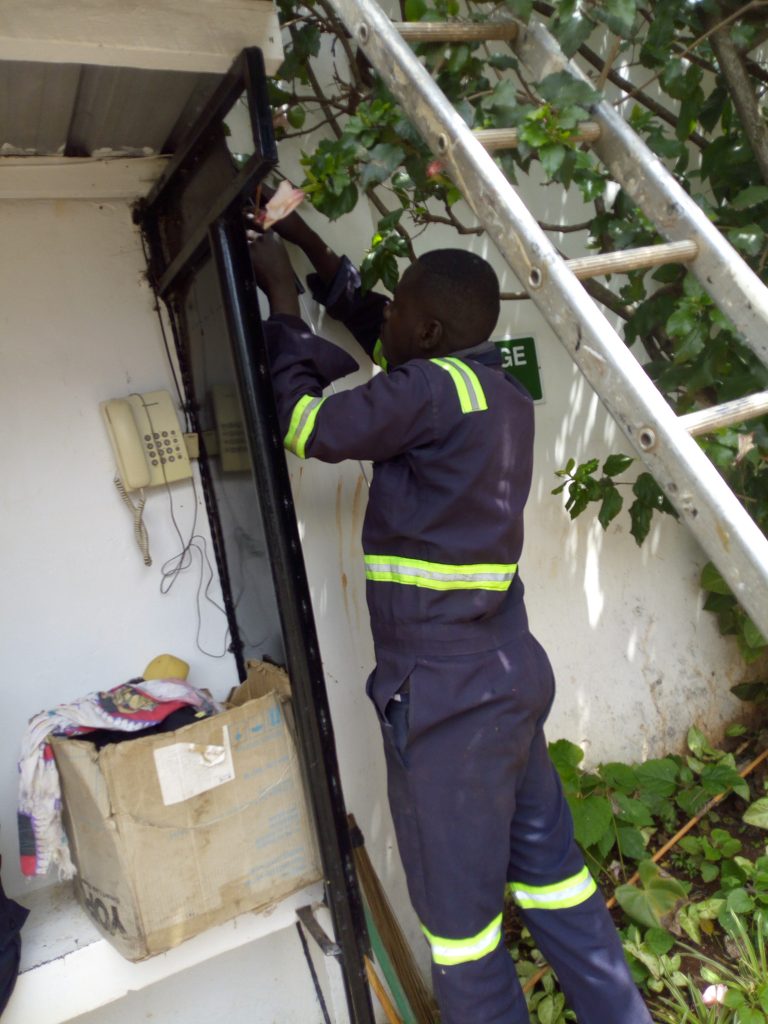
At Boardtac Solutions, we recently attended a service call from a law firm in Kilimani, Nairobi. Their office phone system had completely stopped working.
Their experience is a reminder of why proper documentation, regular maintenance, and vendor support are essential for any business communication system.
The Situation.
The law firm had invested in a professional VoIP telephone solution consisting of:
- 14 Fanvil wireless IP phones.
- One Yeastar S20 IP PBX.
- One Yeastar TG200 GSM Gateway.
- Two active GSM SIM cards.
The system had been working perfectly until they changed their internet service provider.
After the network change, the phones could no longer communicate with the PBX, leaving the office without an internal telephone system.
For a law firm, where communication is critical, this significantly affected daily operations.
The Biggest Challenge Wasn’t the Internet.
When our engineers arrived, the first step was to log in to the Yeastar S20 PBX so we could update the network configuration to match the new infrastructure.
Unfortunately, there was a major problem.
The client did not know:
- The administrator username.
- The administrator password.
- The IP telephone system configuration.
- The contact details of the previous installer.
Without administrative credentials, it becomes extremely difficult to modify system settings safely.
We spent several hours trying every available recovery option while working closely with the client.
When Resetting Became the Only Option.
After exhausting all available options, we made the decision to perform a complete factory reset of the PBX.
Although resetting an IP PBX should always be the last resort, it was the only practical solution because there was no way to access the existing configuration.
The entire telephone system then had to be rebuilt, including:
- Reconfiguring the Yeastar S20 PBX.
- Reconnecting the Fanvil wireless IP phones.
- Configuring the Yeastar TG200 GSM Gateway.
- Re-establishing extensions.
- Testing internal and external calls.
- Verifying communication between all devices.
Once completed, the office telephone system was restored and fully operational again.
Lessons Every Business Should Learn.
This service call highlights several important lessons for every organization using VoIP phones.
1. Always Keep Administrator Credentials.
Store usernames and passwords securely.
If your IT provider becomes unavailable, another engineer should still be able to support your system without unnecessary delays.
2. Document Your Network Infrastructure.
Every office should maintain documentation that includes:
- IP addresses.
- PBX login credentials.
- Gateway configuration.
- Extension numbering.
- SIM card allocation.
- Router settings.
- Network diagrams.
Good documentation can save hours, or even days, of downtime.
3. Notify Your IT Provider Before Changing Internet Providers.
Changing an ISP often changes:
- IP addressing.
- Gateway settings.
- DHCP configuration.
- VLAN configuration.
- Firewall rules.
- SIP routing.
These changes can prevent VoIP systems from functioning correctly unless they are reconfigured.
4. Schedule Regular Preventive Maintenance.
Many businesses only seek technical support after a failure occurs.
Routine maintenance helps identify:
- Configuration issues.
- Hardware failures.
- Firmware updates.
- Security vulnerabilities.
- Network performance problems.
Preventive maintenance minimizes downtime and extends the lifespan of your IT investment.
Shared Responsibility Between Customers and Vendors.
A successful IT system depends on collaboration.
Customers should:
- Keep system documentation updated.
- Store administrator credentials securely.
- Inform their IT provider before making network changes.
- Schedule routine maintenance.
IT vendors should:
- Deliver complete documentation after installation.
- Hand over administrator credentials, unless otherwise agreed.
- Train users on basic system management.
- Provide ongoing technical support.
- Recommend periodic health checks.
When both parties fulfill their responsibilities, systems remain reliable, secure, and easier to maintain.
Why Choose Boardtac Solutions?
At Boardtac Solutions, we do not just install IP telephone systems. We help businesses keep them running efficiently through professional support, preventive maintenance, troubleshooting, upgrades, and system recovery.
Whether your office uses Fanvil, Yeastar, Yealink, Grandstream, or other VoIP solutions, our engineers can diagnose issues, restore services, and ensure your communication infrastructure remains reliable.
If your office telephone system stopped working after changing your internet provider, or you are planning a network upgrade, involve your IT partner early to avoid unnecessary downtime.
Need Professional VoIP Support in Kenya?
Boardtac Solutions provides:
- IP PBX installation and configuration.
- Fanvil IP phone installation.
- Yeastar PBX support.
- GSM gateway configuration.
- SIP trunk setup.
- Office telephone migration.
- VoIP troubleshooting.
- Network assessment.
- Preventive maintenance.
- IT support services across Kenya.
A well-maintained communication system is not just an IT asset. It is a business continuity tool.