Static on the Line: A Comprehensive Guide to Eliminating Electric Fence Interference in Analog CCTV Systems
Electric Fence Interference on Analog CCTV. In the world of physical security, few combinations are as powerful as the electric fence and the closed-circuit television (CCTV) camera. The fence acts as an active, psychological, and physical barrier, while the cameras provide the eyes to verify, record, and analyze events. When these two systems work in harmony, they create a formidable security perimeter. However, when their signals collide, the result is a frustrating mess of distorted, unreliable footage.
cctv-security-camera-maintenance
common-cctv-problems-and-their-solutions.
If you’ve ever installed or managed an analog CCTV system near an electric fence, you’ve likely encountered the telltale signs of trouble. The once-clear video feed becomes a sea of noise—horizontal lines rolling across the screen, waves distorting the image, or the picture momentarily vanishing in sync with the fence’s pulse.
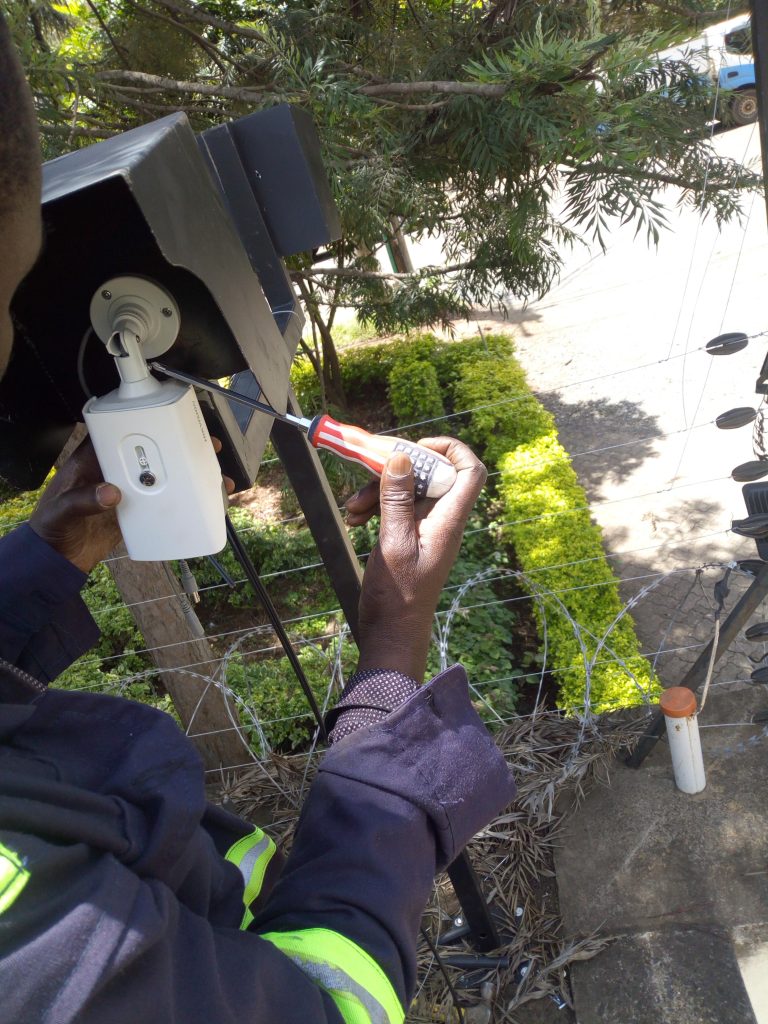
This isn’t a fault of the cameras or the fence, but a fundamental case of electromagnetic incompatibility. This comprehensive guide will delve deep into the “why” and “how” of this interference and provide you with a professional toolkit of strategies to ensure both systems operate flawlessly, side-by-side.
The Root of the Problem: Understanding the Conflict.
To solve a problem, you must first understand its source. The interference between an electric fence and an analog CCTV system is a classic example of Electromagnetic Interference (EMI) , also known as radio frequency interference (RFI).
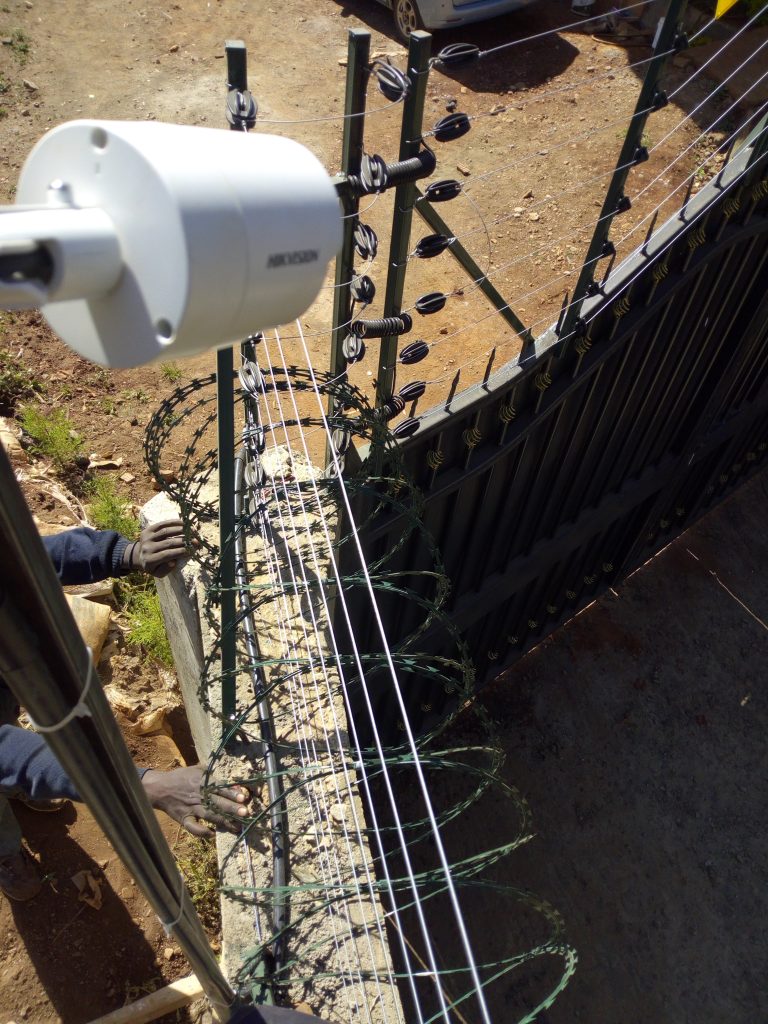
1. The Electric Fence: A High-Voltage Pulse Generator.
An electric fence is not a constant source of electricity. Its energizer (or charger) sends out brief, powerful, high-voltage pulses—typically between 2,000 and 10,000 volts—at regular intervals (usually once per second). These pulses are designed to deliver a sharp, memorable shock to anything that completes the circuit between the fence wire and the ground.
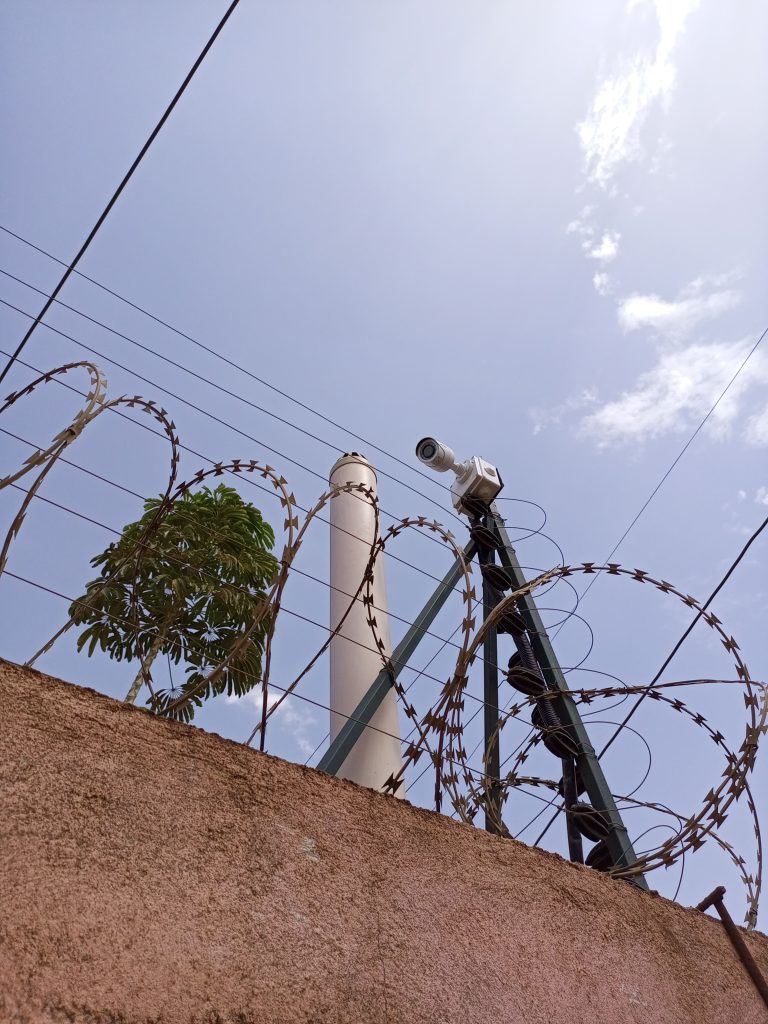
This rapid creation and collapse of a high-voltage field does two things:
- It generates a broad spectrum of electromagnetic energy.
- The fence wire itself acts as a giant, unintended transmitting antenna, broadcasting this energy into the surrounding environment.
2. The Analog CCTV System: A Sensitive Receiver.
Analog CCTV video signals are relatively weak and, in their raw form, are transmitted as an unbalanced voltage signal over a coaxial cable. The video information is carried on the center conductor, and the cable’s shield is meant to be the ground reference.
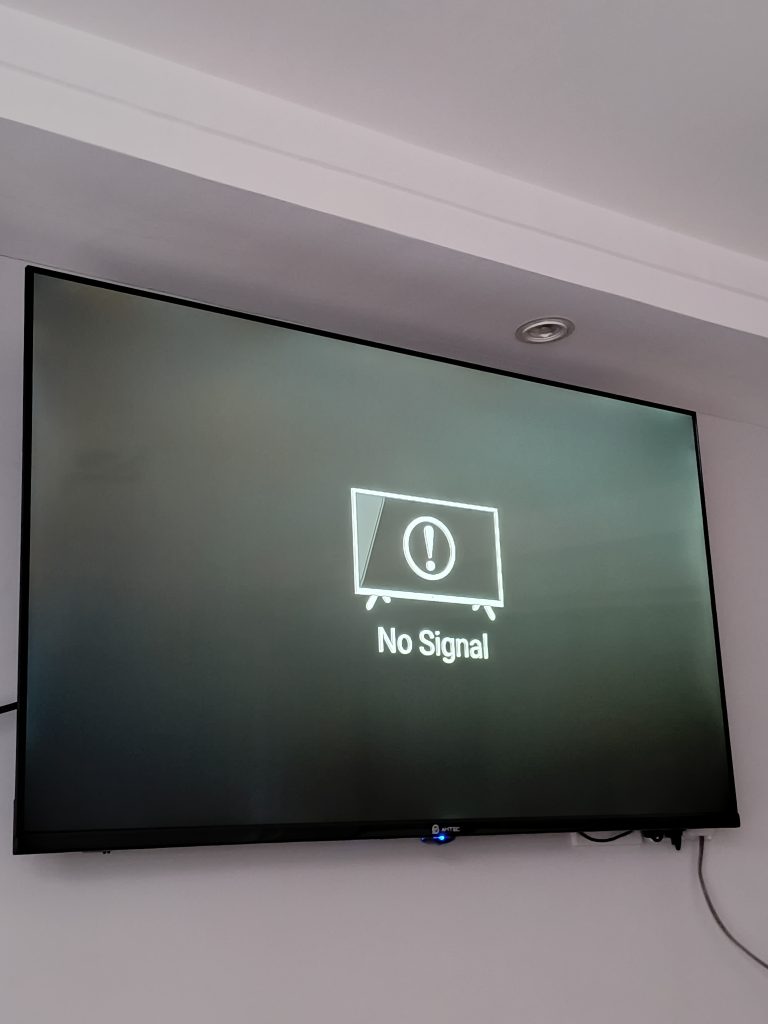
This setup is inherently susceptible to interference because:
- The coaxial cable, particularly if unshielded or poorly shielded, can act as a receiving antenna for the electromagnetic noise generated by the fence.
- The electrical noise from the fence is induced onto the cable. This unwanted signal is then superimposed on the legitimate video signal.
- The camera’s power supply and cabling can also pick up this noise, carrying it directly into the camera’s sensitive electronics.
3. The Result: Visual Artifacts in Your Footage
When this induced noise corrupts the video signal, it manifests on your monitor or DVR as specific visual problems. The nature of the distortion can often tell you about its source:
- Horizontal Bars/Rolling Bars (Hum Bars): This is one of the most common symptoms. Thick, dark, or light horizontal bands that slowly roll up or down the screen. This is often caused by a difference in ground potential (a “ground loop”) between the camera and the recording device, which the fence’s pulses can exacerbate. It can also be 50/60Hz interference from power lines.
- Wavy, Wiggling, or Distorted Lines: When the high-frequency noise from the fence pulse couples directly onto the video signal, it disrupts the sync pulses that keep the image stable. This causes the picture to bend, wave, or lose its geometric stability.
- Grainy or Snowy Footage: A general increase in the “noise floor” of the video signal results in a grainy image, similar to looking through static. This reduces clarity and makes identifying details difficult.
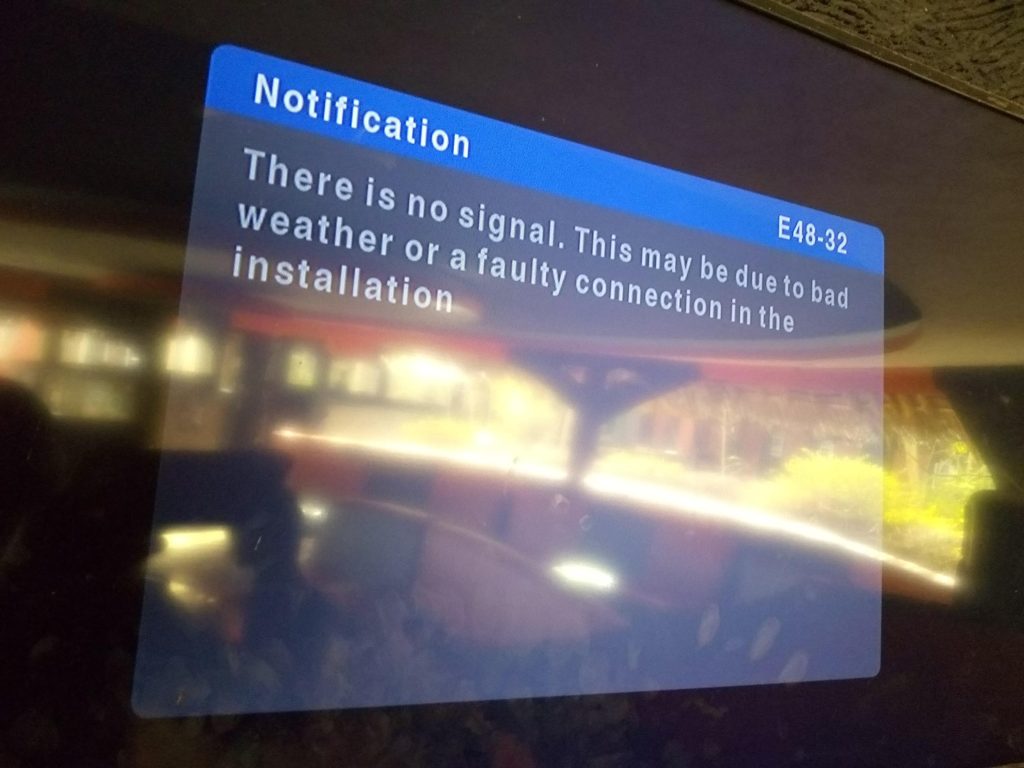
- Temporary Video Loss or Signal Dropout: The immense energy of the fence pulse can momentarily overwhelm the video signal entirely. This can cause the DVR to lose sync, resulting in a blue or black screen for a fraction of a second, perfectly timed with the fence pulse. This can lead to missed critical moments in your recording.
The Cost of Interference: Why It Matters
These visual disturbances aren’t just a minor annoyance. They can have serious consequences for your security operation:
- Missed Evidence: A brief video dropout during a fence pulse could occur at the exact moment an intruder is climbing the fence, rendering your recording useless.
- Reduced Deterrence: If your cameras are visible, grainy, wavy footage signals a poorly maintained or ineffective system, potentially emboldening intruders.
- False Alarms: In systems with video analytics, the noise and distortion can be misinterpreted as motion, leading to a flood of false alarms that desensitize security personnel.
- Wasted Time: Security operators forced to stare at unstable, noisy footage will experience increased fatigue and are more likely to miss genuine threats.
Professional Strategies for a Noise-Free System
Preventing this interference requires a multi-layered approach, focusing on physical separation, proper cabling, grounding, and thoughtful installation. Here is a comprehensive guide to ensuring your analog CCTV and electric fence coexist peacefully.
1. Physical Separation: The First and Best Defense
The simplest way to prevent interference is to create distance. Electromagnetic fields weaken rapidly with distance. The “inverse-square law” means that doubling your distance can reduce the field strength to one-quarter.
- Cable Routing is Paramount: This is the single most important rule. Never run CCTV cables parallel to electric fence wires for any significant distance. If you must cross them, do so at a strict 90-degree angle. This minimizes the length of cable exposed to the fence’s magnetic field and ensures that any induced current is minimized.
- Maintain Separation Distances:
- Keep cables at least 3-6 feet (1-2 meters) away from fence wires wherever possible.
- Increase this distance if the fence is a high-powered or commercial-grade system.
- Avoid placing cables in the same conduit, trench, or cable tray as electric fence leads.
2. The Right Tools: Cabling and Connectors
Your choice of cabling is your primary technical defense against EMI.
- Use High-Quality, Shielded Coaxial Cable: The shield is your friend. For analog video, a cable with a braided shield plus an aluminum foil shield (dual-shielded) , like RG6 or RG59 with a 95% or higher braid coverage, offers far superior protection against EMI compared to cheap, low-coverage cable.
- RG6 is generally preferred over RG59 for longer runs due to its better signal-carrying characteristics and often better shielding.
- Employ Twisted Pair Transmission with Baluns: This is arguably the best practice for long runs and electrically noisy environments.
- How it works: At the camera end, a balun (Balanced/Unbalanced) converts the unbalanced coaxial signal into a balanced signal that is transmitted over a simple twisted-pair cable (like Cat5e or Cat6).
- Why it’s effective: Twisted-pair transmission is inherently immune to EMI. The twisting of the wires causes any induced noise to be common to both wires, and the differential receiver at the DVR end cancels this noise out. This is the same principle that makes Ethernet so robust. Use shielded twisted-pair (STP) cable for an even higher level of protection in extreme environments.
- Consider Fiber Optics for Ultimate Isolation: For the ultimate solution, especially in high-interference areas or over very long distances, fiber optic cabling is the gold standard. Fiber uses light, not electricity, to transmit data. It is completely immune to any form of EMI or RFI. It also eliminates any risk of ground loops and provides perfect electrical isolation.
3. The Ground Is Not Just Dirt: Mastering Grounding and Bonding
Inadequate or improper grounding is a primary cause of interference. A good ground provides a safe path for electrical noise and fault currents, preventing them from traveling on your signal cables.
- The Electric Fence Grounding:
- The electric fence energizer must have its own dedicated, high-quality grounding rod system, installed according to the manufacturer’s specifications and local electrical codes. This ground is for the fence’s return path and is essential for its effective and safe operation.
- This ground should be physically separate from the building’s main electrical ground and the security system’s ground. A minimum separation of 20-25 feet (6-8 meters) is often recommended to prevent the fence’s high-energy pulses from traveling back into your facility’s grounding system and then into your cameras and DVR.
- The CCTV System Grounding:
- All cameras, DVRs/NVRs, and power supplies should be part of a single, unified grounding system, typically bonded to the building’s main electrical service ground.
- Avoid “Ground Loops”: A ground loop occurs when there are two or more paths to ground with different electrical potentials, creating a current that flows through your cable shields. This current is a major source of hum bars and noise. Using isolation transformers or fiber optics can break these loops.
- For cameras mounted on metal poles, ensure the pole itself is properly grounded to a lightning protection system, and then use isolated mounting brackets for the camera to prevent the camera’s ground from becoming one with the pole’s ground if they are at different potentials.
4. Strategic Placement: Smart Camera Positioning
Where you put the camera is just as important as how you wire it.
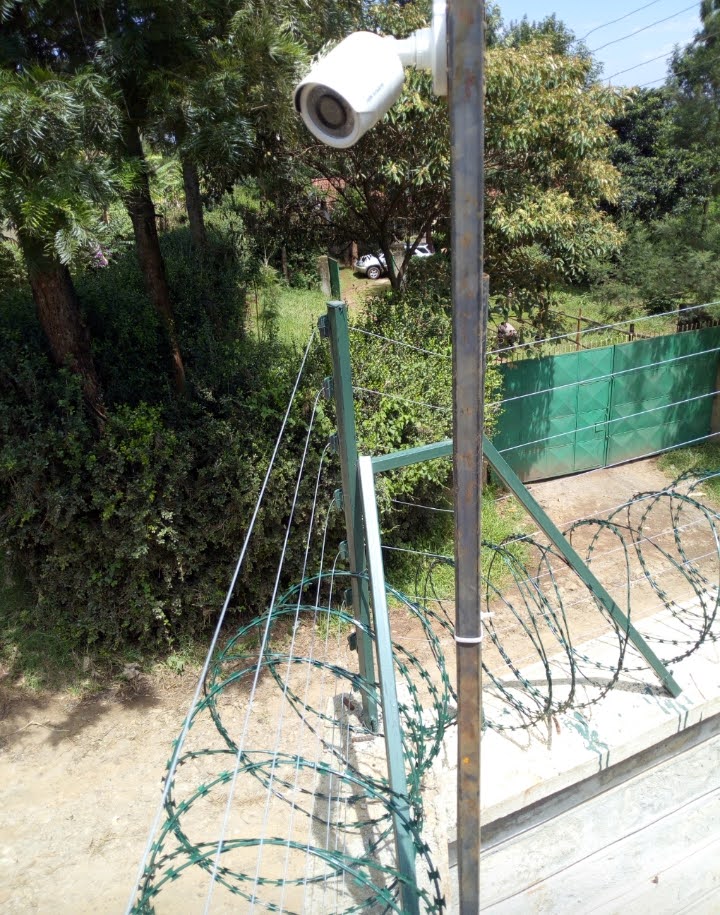
- Don’t Mount on the Fence Pole: This is a critical rule. Avoid mounting cameras directly on the same wooden or metal post that carries the electric fence wires or insulators. The field strength is highest closest to the wire. If you have no choice, use a long arm to distance the camera from the post and the wire, and ensure the camera’s grounding system is completely independent of the fence’s.
- Point, Don’t Align: While pointing the camera at the fence is necessary, avoid positioning the camera so that its cable runs parallel to the fence line. Run the cable away from the fence at a 90-degree angle as soon as it leaves the camera.
5. Power Up Cleanly: Filtering and Conditioning
Noise can also enter your system through the power lines.
- Use Dedicated Power Sources: Power your CCTV system (cameras and DVR) from a dedicated circuit that does not also power heavy electrical equipment, large motors, or, most importantly, the electric fence energizer.
- Install Power Line Filters: Use plug-in or in-line EMI/RFI power filters on the power supply for your cameras and DVR. These filters help clean the incoming power and block noise from traveling back out.
- Centralized Power: Using a centralized, well-filtered power supply box for multiple cameras is often better than using individual plug-in “wall warts,” which can be of varying quality and susceptibility to noise.
Troubleshooting Checklist
If you are already seeing interference, don’t panic. Use this systematic checklist to isolate and fix the problem.
- Isolate the Source: Temporarily turn off the electric fence energizer. Does the interference disappear immediately? This confirms the fence is the culprit.
- Inspect Cable Routes: Walk the entire path of your video and power cables. Are any running parallel to the fence? Are they in contact with anything metallic connected to the fence? Reroute any problematic cables.
- Check Connectors: Are all BNC connectors on the coaxial cables crimped securely? A poor connection compromises the shield’s effectiveness.
- Review Grounding: Is the fence’s grounding rod separate from the building’s? Are your cameras and DVR properly grounded to a single point? Look for signs of ground loops.
- Test with a Balun: Even if you aren’t using them for the whole run, temporarily install a pair of twisted-pair baluns on a problematic camera. If the interference vanishes, you know that upgrading to twisted-pair transmission is your solution.
Building a Cohesive Security Ecosystem
An electric fence and an analog CCTV system are two of the most effective tools in a perimeter security strategy. However, they are not independent systems. The powerful electromagnetic forces generated by one can easily disrupt the sensitive electronics of the other.
By understanding the science of electromagnetic interference and applying the professional installation principles of separation, shielding, and superior grounding, you can ensure these two systems work in concert, not conflict.
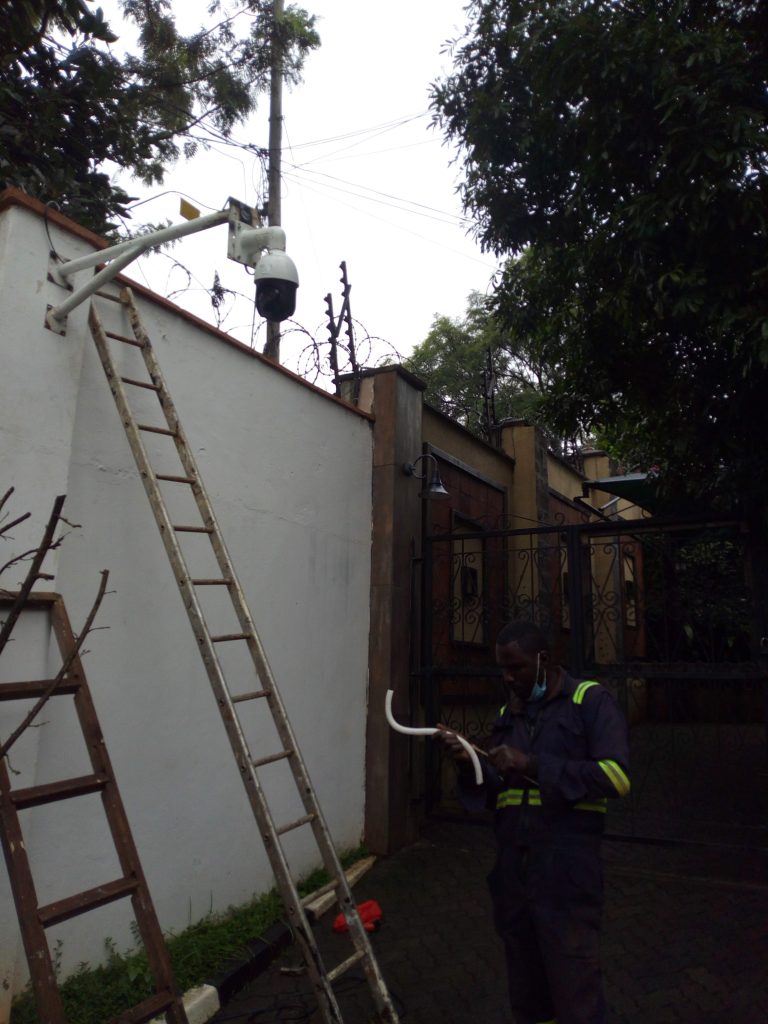
A well-planned installation, using the right cabling and respecting the powerful forces at play, will result in a robust, reliable security ecosystem that provides clear, uninterrupted video, day and night, safeguarding your property with both a physical and an electronic barrier. The peace of mind that comes from a perfectly tuned system is worth the extra planning and investment.