Here’s a complete, step-by-step guide on how to sign up for Starlink internet: including links and what you must do to get connected.
Where to Start Your Starlink Sign-Up
1. Go to the Official Starlink Website
Start here: https://www.starlink.com/welcome (Starlink)
Or if you’re in Kenya: https://www.starlink.com/ke (Starlink)
Step-by-Step: How to Sign Up
1. Check Service Availability
- On the Starlink homepage, enter your physical address in the search box.
- This tells Starlink if service is currently available where you live or travel. (Starlink)
If your area isn’t yet available, you can sign up for availability notifications by entering your email on the site.
2. Select Your Service & Plan
Once your location is accepted:
- Choose the plan that fits your needs:
• Residential (home use).
• Roam / Mobility (for travel).
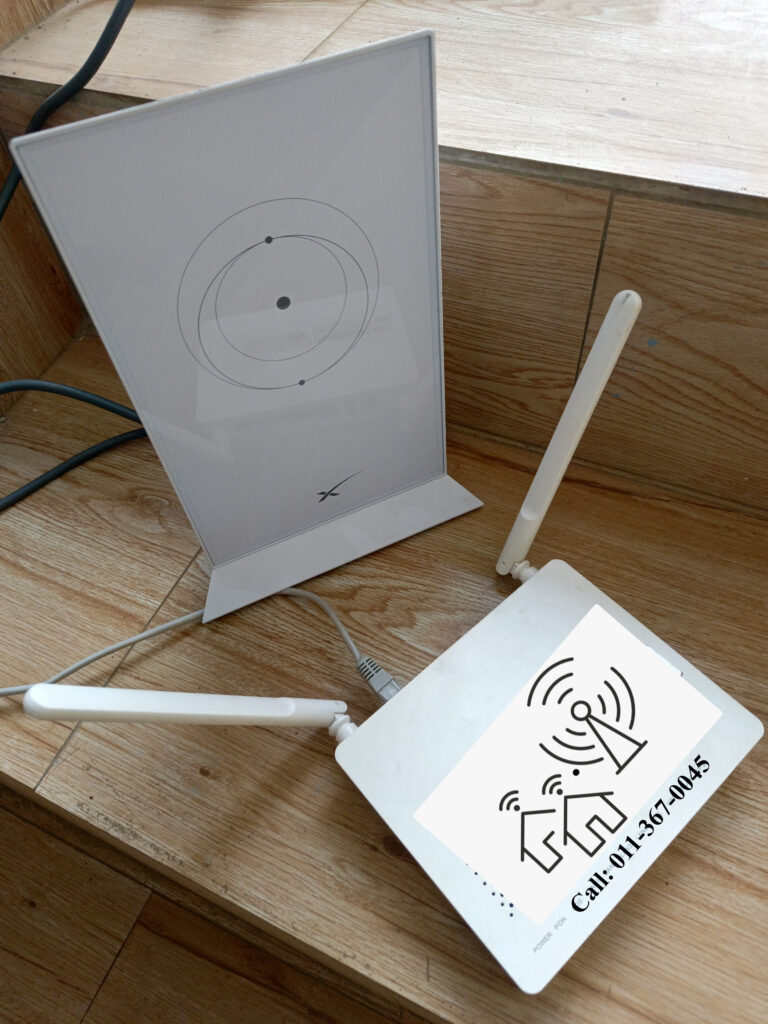
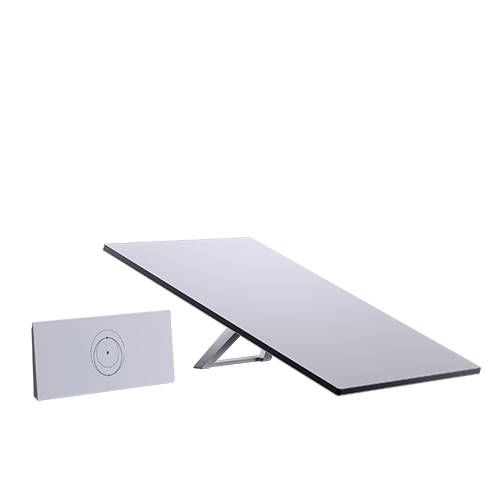
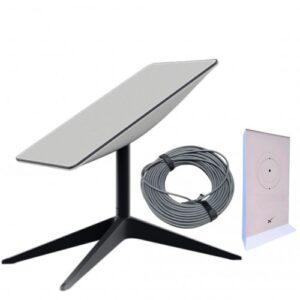
• Business or Enterprise (for offices & heavy use). - Review what’s included (dish + router + cables). (Starlink)
3. Create Your Starlink Account
During checkout you’ll be asked to:
- Enter your email address and phone number.
- Provide your billing address and contact info.
- Accept the Terms of Service & Privacy Policy (Starlink Business & Enterprise Guide).
This creates your official Starlink account, which you’ll use for managing service, payments, and setup.
4. Payment
You’ll need to pay for:
- Starlink hardware kit (one-time device cost)
- First month’s subscription fee
Currently in Kenya, users typically pay in Kenyan Shillings (KES) via international card or through local resellers with M-Pesa. (Spacelink Kenya)
Keep your receipt — Starlink may email an order confirmation and tracking details for delivery. (Spacelink Kenya)
5. Delivery & Account Activation
- After sign-up and payment, your Starlink hardware (dish + router) is shipped.
- Once you have the equipment, you’ll log into your Starlink account using the Starlink App or website.
- Connect the dish and follow the prompts to activate your service. (Starlink Kenya)
Optional: Sign-Up Via the Starlink App
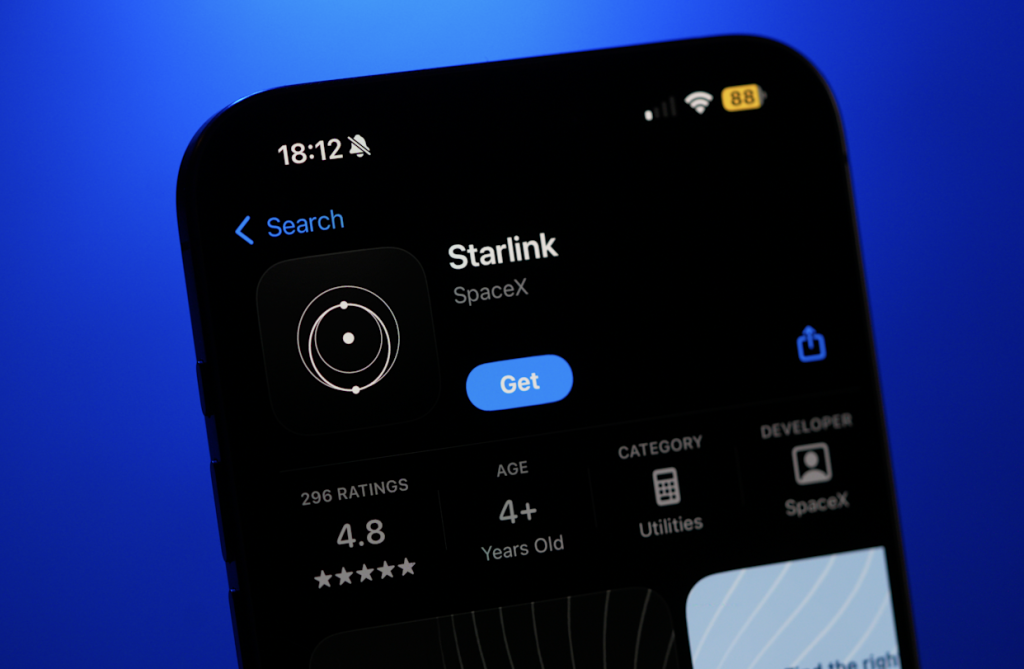
Once you’ve downloaded the Starlink app (links below), you can also:
- Sign in with your Starlink account.
- Enter address and billing info.
- Order your hardware & subscription.
- Monitor installation status.
Download Starlink App:
- iOS: https://apps.apple.com/mz/app/starlink/id1537177988.
- Android: https://play.google.com/store/apps/details?id=com.starlink.mobile.
What Happens After You Sign Up
After signing up and activating your service:
✔️ Your Starlink account dashboard appears with plan details. (Starlink).
✔️ You can manage billing and network settings from the app. (Starlink Kenya).
✔️ You’ll see performance stats like speeds and latency. (Starlink Kenya).
Tips for Smooth Sign-Up
Use accurate address details — they must match your physical location. (Starlink)
Have a payment method ready (card or mobile money via resellers). (Spacelink Kenya)
If Starlink is busy or has demand restrictions, availability may fluctuate. (Starlink)
Check local resellers — they sometimes offer easier payment options and support. (Starlink Kenya)
Quick Summary
Starlink sign-up process:
- Visit the official site https://www.starlink.com/ke (Starlink).
- Enter your address to check availability. (Starlink).
- Choose service & plan. (Starlink).
- Create your account & pay. (Starlink Business & Enterprise Guide).
- Receive hardware & activate via app or web. (Starlink Kenya).